AI Tools
Stop Calling Every Long Prompt a Skill: Build a Reusable SOP
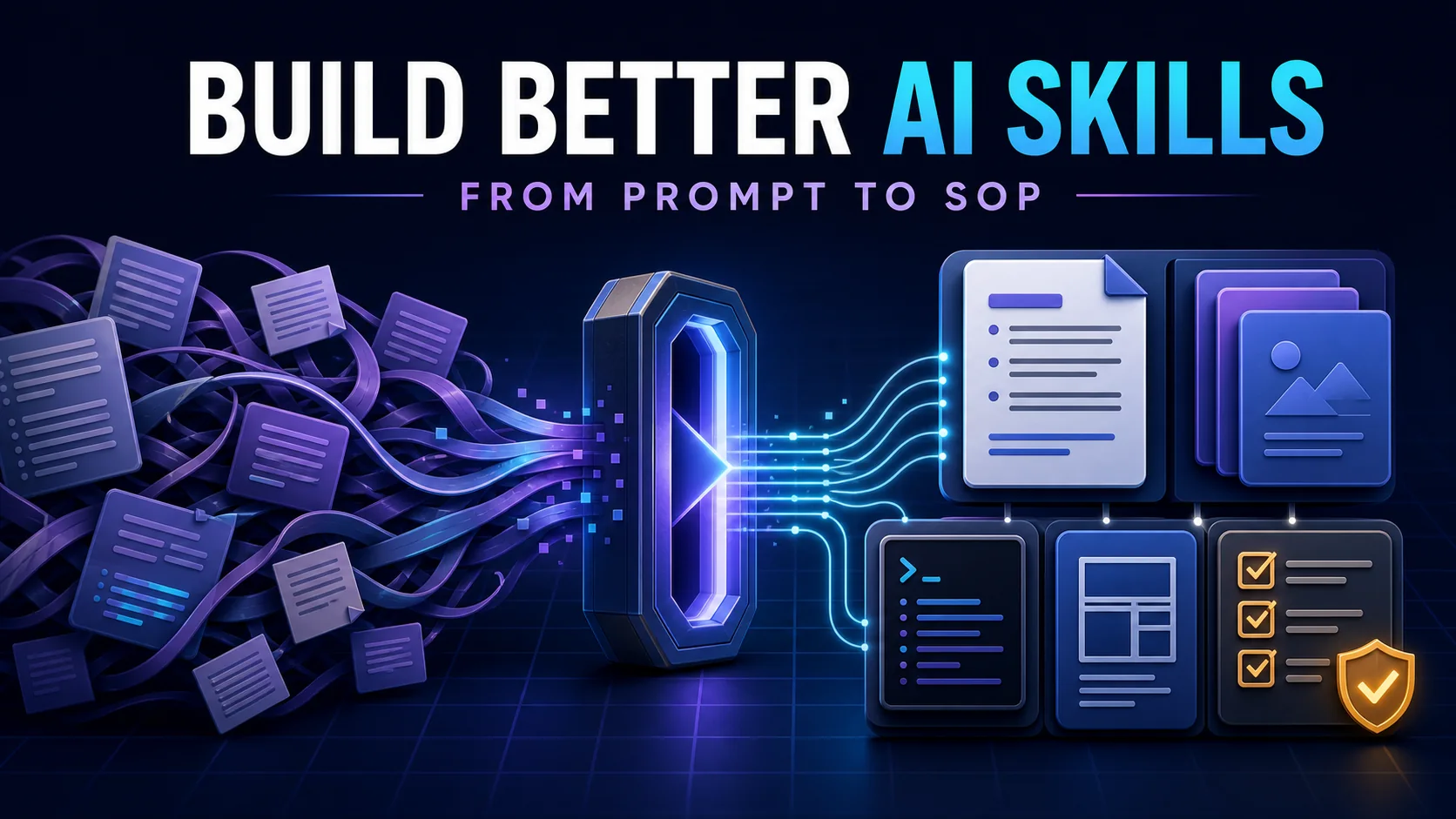
Turn a frequently reused prompt into a maintainable AI Skill with clear boundaries, workflow steps, resources, tests, and completion checks.
Contents
Saving a 3,000-word prompt in a file can save time, but that alone does not make it a strong Skill. A useful Skill packages the trigger, workflow, supporting knowledge, tool usage, and acceptance criteria for a recurring task so an AI can repeat the method reliably.
This guide focuses on one practical question: if you already have a prompt you reuse, how do you turn it into a maintainable and testable Skill?
Last checked: 2026-08-28
Note: products implement Skills differently. This article uses OpenAI’s current file-based Skills as its main example, while keeping the method broadly applicable to other agent systems.
First, decide whether the task deserves a Skill
A prompt says, “Do this now.” A Skill says, “Handle this kind of work this way.” A task is a good candidate when it has at least three traits:
- It repeats: code review, SEO review, weekly reporting, incident analysis, or meeting notes.
- Its process is stable: inputs change, but the reasoning order, rules, and deliverable stay similar.
- It is easy to miss steps: the work has organization-specific rules, fixed checks, or several tools that must be coordinated.
Keep using a prompt for one-off explanations, open-ended ideation, or a simple preference. If the AI cannot access a database, send an email, or operate a system, you need a Tool or connection first; a Skill cannot create that capability.
For the conceptual boundary, start with FamilyPro’s Prompt vs Skill vs Agent vs Tool vs MCP guide.
What belongs inside a Skill?
OpenAI currently describes Skills as folders of instructions and resources. The smallest version contains only SKILL.md; more involved workflows can add three optional directories:
article-review/
├── SKILL.md
├── references/
├── scripts/
└── assets/| Location | What belongs there | Rule of thumb |
|---|---|---|
SKILL.md | Trigger, core procedure, boundaries, and acceptance checks | Needed in almost every run |
references/ | Policies, examples, domain rules, and background | Consulted only for relevant branches |
scripts/ | Validation, calculation, or deterministic file processing | More reliable in code than model judgment |
assets/ | Report templates, document skeletons, or reusable resources | Copied or transformed into the deliverable |
The goal is progressive loading: use the name and description to identify a match, read SKILL.md, then load only the supporting material the current task needs. Empty folders do not make a Skill more complete.
How to write a useful SKILL.md
A practical SKILL.md answers six questions: when to use it, what input it expects, which steps to follow, what must not be inferred, what the output contains, and how completion is verified.
---
name: technical-article-review
description: Review technical articles for factual accuracy, structure,
  readability, SEO, and publishing readiness. Use when the user asks
  to review, audit, improve, or prepare a technical article for publishing.
---

# Goal
Find issues that could reduce accuracy or publishing quality.

# Workflow
1. Identify the topic, audience, and intended outcome.
2. Check technical claims and flag anything needing verification.
3. Review structure, readability, and SEO.
4. Prioritize findings by impact.
5. Validate the review against the checklist.

# Output
- Overall assessment
- Critical issues
- Recommended changes
- Publishing decision
The description is especially important. The model normally sees a Skill’s name and description before deciding whether to load its full instructions. Write both:
- What the workflow does.
- When the user’s goal should trigger it.
Help with writing is too broad. Use when the user says “review my API” is too narrow. Describe intent and conditions, not one exact phrase.
A 7-step SOP for turning a prompt into a Skill
1. Collect real examples
Find 3–10 tasks you actually completed. Record their inputs, the order of operations, common failures, and examples of good output. Reliable Skills encode proven work, not an imagined complex process.
2. Define boundaries, inputs, and output
Write one sentence for what the Skill owns and another for what it does not. Separate required from optional inputs, then define the final deliverable. Let the model infer low-risk context; ask only when a missing choice would materially change the result.
3. Convert the human method into numbered actions
Replace “analyze carefully” with observable steps: understand the goal, read sources, verify claims, use tools, assemble the result, and run QA. State branch conditions with explicit if, when, before, and after rules.
4. Split references, scripts, and assets
Keep always-needed instructions in SKILL.md. Move occasional policies to references/, deterministic checks to scripts/, and fixed deliverable formats to assets/.
For example, if you turned FamilyPro’s Gamma presentation workflow into a Skill, the brief and generation sequence could stay in the main file, brand rules could live in references, the deck structure in assets, and link or card-count checks in a script.
5. Define acceptance criteria
Do not stop at “complete the analysis.” Check required sections, source coverage, script results, generated files, and output format. A final QA gate is one of the biggest differences between a useful Skill and a saved prompt.
6. Test triggering and task quality
Write at least five queries that should trigger the Skill and five that should not. This exposes descriptions that are too broad or too narrow. Then evaluate the output on 3–5 fresh tasks that were not used to write the Skill.
7. Iterate through real use
Whenever you correct the AI, ask whether the correction is a one-off exception or a reusable rule. Put recurring failures into the procedure or a validation script, and version the Skill with Git so it becomes a team-owned operating method.
Common mistakes that make Skills unreliable
- One Skill owns everything: split workflows with different triggers, inputs, or success criteria.
- The main file becomes a knowledge dump: keep execution essentials and load long references only when needed.
- The model eyeballs deterministic checks: use scripts for links, schemas, numbers, and formatting.
- There is no stop condition: state when missing permissions, critical input, or risky actions require a pause.
- Testing stops after one run: test both activation and the quality of the delivered result.
Prompts still matter. A guide such as FamilyPro’s NanoBanana image prompt examples helps you make individual instructions precise. Once several prompts succeed for the same kind of task, you have evidence for extracting a stable Skill.
Conclusion
A good Skill is not a longer prompt. It is an executable, verifiable, and maintainable SOP. Start with a task that already repeats, study real examples, then add clear boundaries, ordered steps, supporting resources, and acceptance checks.
If the Skill can answer “when should I run, what should I do, when should I stop, and what counts as done?”, it has moved beyond stored instructions and become a reusable capability.